
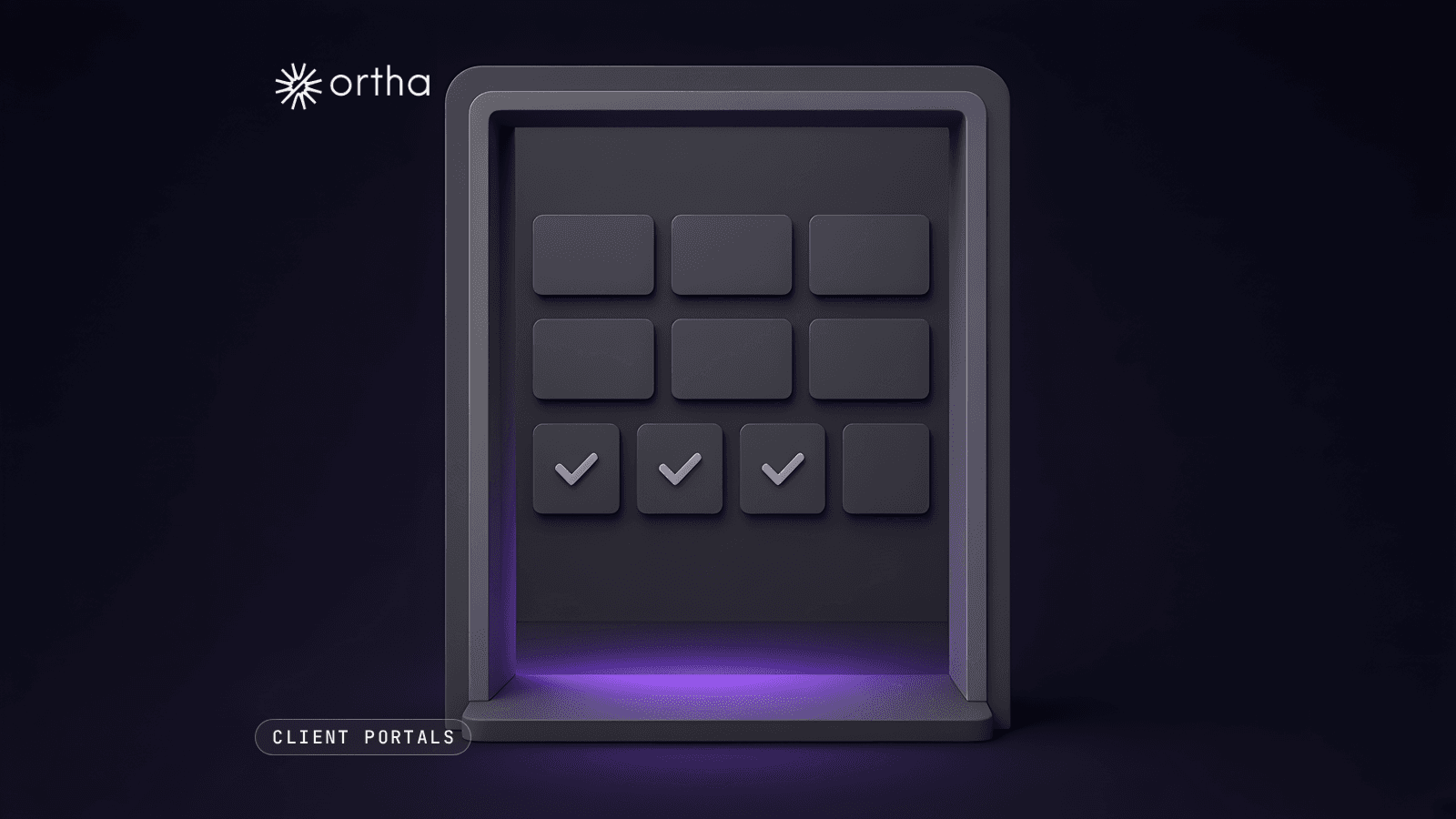
A client portal is a private, password-protected area where your clients sign in to see their project status, download files, upload documents, approve work or pay invoices, without emailing you to ask. For a small business, it pays off when the same few questions fill your inbox every week: where are we, what do you need from me, which file is the latest one? You have three ways to get one. You can buy portal software, bolt a members area onto your current website, or build a custom portal around how your business runs. Ortha builds custom portals as part of its custom software work, starting from $3,000 for a first version, with a $350 discovery phase if you're not sure what you need yet.
Below is what a portal is for, which features belong in a first version, how the three routes compare, what moves the price, and why a short discovery phase saves money.
What a client portal is for
A portal replaces scattered email threads with one place clients can check on their own. Typical uses:
- Accountants and bookkeepers collecting documents and sharing finished returns
- Agencies and studios showing project stages, sharing drafts and collecting approvals
- Contractors and trades sharing quotes, schedules and job photos
- Consultants and coaches sharing session notes, resources and invoices
If clients regularly ask you for something you could show them on a screen, a portal can take that work off you.
Features that matter in version one
A first version should do a small number of things well. Start with the questions clients ask most and build only what answers them.
For most service businesses, that's:
- Sign-in for your clients, with each client seeing only their own information
- Project or account status at a glance, with the next step and who it's waiting on
- Files, with a clear latest version
- Approvals, with a record of who approved what and when
- An admin area where your team updates everything
Payments, messaging, calendars and integrations with your CRM or accounting software are common second steps. They're worth adding once you've seen how clients use the basics.
We worked through this exercise in a concept project, the agency client portal. It's a concept with no real client behind it, made to show how we'd plan the work. The imagined agency's clients kept asking three things by email, and the design answered each one: project stage and next step on the dashboard, files with a clear latest version, and approvals that record the file version, the person approving and the date.
Build, buy or bolt on
Portal software is the fastest route. Many tools are built for specific trades, such as accounting, legal or agency work, and come with sign-in, file sharing and messaging ready to go. You pay a subscription, usually per user or per seat, and work within the tool's features and branding options. This fits well when your process matches how the tool works.
Bolting a members area onto your website is the next option. Website builders and CMS platforms can restrict pages to signed-in members; Wix and Squarespace both offer member areas. This works for sharing resources or members-only pages. It gets harder when each client needs to see their own project, files and approvals, because member areas are mostly built to show the same content to everyone who signs in.
A custom portal fits when:
- Your process doesn't match off-the-shelf tools, and your team keeps working around them
- The portal needs to pull from systems you already use, like your CRM, scheduling or accounting tools
- You want the portal under your own brand and domain
- Per-seat subscription fees are adding up as your client list grows
With a custom build, you own the code. On our custom software projects, the code lives in a repository you own and the app runs on accounts in your name, so you're never locked in.
What affects the price
On our pricing page, custom software starts from $3,000, with $1,500 to start and the rest at completion, and typically takes 10 to 12 weeks. That starting price covers a first version of a simple tool, client portal or dashboard: discovery and user flows, sign-in for your users, one core workflow (front end and back end), an admin area to manage it, and testing and launch.
What pushes a portal above that:
- More than one core workflow, such as approvals plus invoicing plus scheduling
- Different roles with different permissions, like clients, staff and outside partners
- Integrations with payments, email, calendars or your existing software
- Moving existing client data into the new system
- A companion phone app, when a web app that works well on phones won't do the job
Extra development time is $75 an hour if you add work later. Your written quote fixes the price before work starts, and any changes are quoted first. Our guide to how much custom software costs goes deeper on what drives software budgets.
Security for client data
A portal holds client information, so security belongs in the plan from day one. At a minimum, each client should see only their own records, staff access should match their role, and sign-in should support two-factor authentication.
Some businesses carry legal duties too. Under the FTC's Safeguards Rule, many financial businesses, including tax preparers and some accounting firms, need a written information security program, and multi-factor authentication for anyone accessing customer information. If that applies to you, tell your developer at the start so the portal's design supports your obligations.
How a discovery phase helps
If you know clients need a portal but aren't sure what goes in it, start with discovery. We spend time with the people who'll use it, map how work moves today and where it slows down, and write the smallest useful version down with a price and timeline.
At Ortha, discovery costs $350 and is credited in full if you go ahead with the build. You come away with a written plan either way, which you can also use to compare off-the-shelf tools.
If your inbox is full of "where are we?" emails, tell us how your clients work today. We'll say whether a portal, an existing tool or a simpler fix makes the most sense.
FAQ
What is a client portal?
A client portal is a secure area where clients sign in to see project status, download and upload files, approve work or pay invoices, so they don't need to email you for updates.
How much does a client portal cost?
Off-the-shelf portal software is usually a monthly subscription, often priced per user. A custom portal from Ortha starts from $3,000 for a first version, with an optional $350 discovery credited in full if you go ahead.
Can you create a client portal on Wix or Squarespace?
Both offer member areas that restrict pages to signed-in users. They work for shared resources, but per-client projects, files and approvals usually need portal software or a custom build.
Should I build or buy a client portal?
Buy when your process matches an existing tool. Build when you keep working around off-the-shelf tools, need integrations with your own systems, or want the portal under your own brand with code you own.
What should a first version of a client portal include?
Client sign-in, project or account status, files with a clear latest version, approvals with a record of who approved what, and an admin area for your team.